When Your Printed Logo Looks Nothing Like Your Brand: The Hidden Cost of Color Drift in Office Printers
Your brand guidelines specify an exact shade of navy blue. Your design team approved every asset months ago. Yet the brochures coming off the office printer look closer to slate gray — and those brochures are sitting in the hands of a prospective client right now.
This scenario plays out in small and mid-sized US businesses every day. Color drift — the gradual or sudden misalignment between a printer's output and the intended color values — is among the most underestimated operational problems affecting in-house print production. It is invisible until it is embarrassing, and by the time most managers notice, the damage to brand perception has already been done.
Understanding why this happens, and what can realistically be done about it without purchasing laboratory-grade equipment, is the first step toward protecting the visual integrity of everything your company puts in front of a customer.
What Is Color Drift, and Why Does It Happen?
Modern office printers — particularly laser and inkjet multifunction devices — rely on a complex interaction between hardware, firmware, and color management software to translate a digital file into a physical document. When any element of that system falls out of alignment, the printed result diverges from the original design.
Several factors drive this divergence:
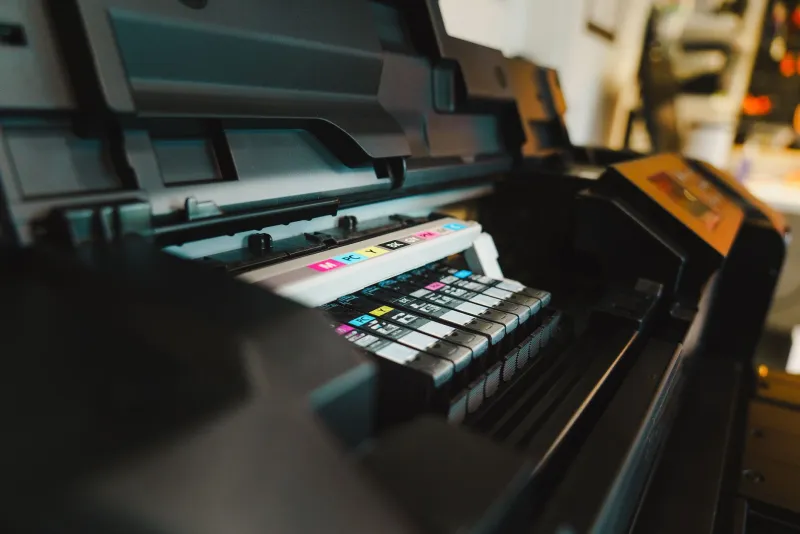
Toner and ink depletion patterns. As cartridges age, the density of pigment delivered to the page shifts. A cartridge at 40 percent capacity does not behave identically to a full one. Colors that depend on precise layering of cyan, magenta, yellow, and black — particularly mixed tones like corporate greens, purples, and warm neutrals — are especially vulnerable.
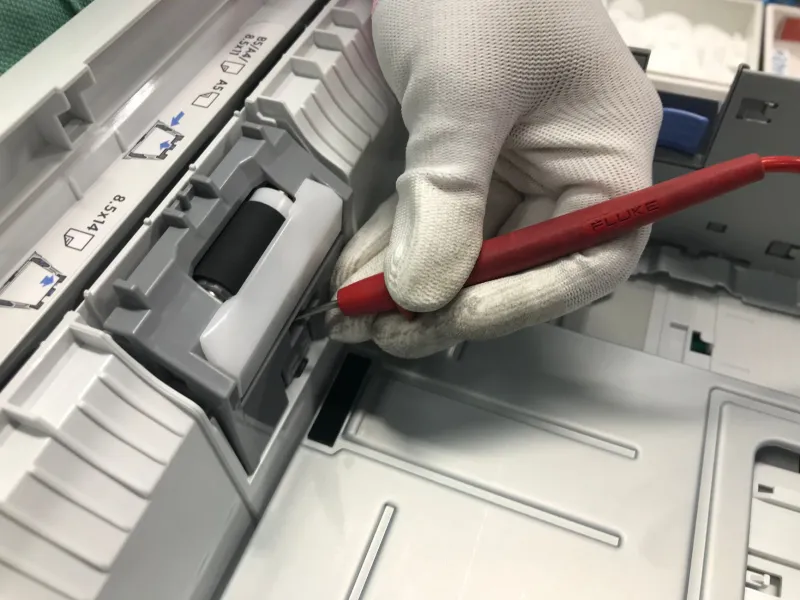
Drum and fuser wear. The imaging drum and fuser unit are mechanical components that degrade over thousands of print cycles. As they wear, they affect how toner adheres to paper and how heat bonds the image to the surface. Both variables influence the final color appearance.
Environmental conditions. Humidity and temperature inside an office affect how paper accepts ink and toner. A printer running in a climate-controlled server room will produce different output than the same model sitting near a window in a sun-exposed conference area.
Uncalibrated ICC profiles. Color profiles — the software instructions that tell a printer how to interpret RGB or CMYK values — can become mismatched when firmware is updated, when a new driver is installed, or when the printer is replaced without reconfiguring the color settings to match the previous device.
Paper stock variation. Switching between paper brands, weights, or finishes without adjusting printer settings introduces another layer of inconsistency. Glossy stock reflects light differently than matte, and printers must compensate accordingly.
The Real-World Business Impact
For companies that outsource all print production to professional print shops, color calibration is largely someone else's problem. But a significant number of US small businesses — particularly in retail, real estate, professional services, and healthcare — produce at least a portion of their marketing materials in-house to control costs and turnaround times.
For these businesses, color inconsistency carries concrete consequences.
Consider a real estate agency printing listing flyers in-house. The firm's brand palette includes a specific warm gold that communicates prestige and approachability. When that gold shifts to a muddy yellow due to toner imbalance, the printed flyer no longer aligns with the agency's digital presence, signage, or professionally printed materials. A prospective homebuyer holding that flyer is receiving a subtly different brand signal than intended — one that communicates carelessness rather than precision.
Or consider a healthcare practice printing patient-facing educational brochures. Their brand uses a calming teal that has been carefully selected for its psychological associations. A miscalibrated printer renders it as a harsh blue-green. The visual dissonance is small but cumulative — and cumulative brand inconsistency erodes trust over time.
In both cases, the business invested in professional design, approved the assets, and then allowed color drift to quietly undermine that investment at the point of production.
A Practical Calibration Checklist for US Office Managers
Addressing color drift does not require a spectrophotometer or a dedicated color technician. The following steps can be executed by any office manager with access to basic printer settings and a color-accurate monitor.
1. Establish a color reference standard. Print a color reference sheet — available from most printer manufacturers as a built-in test page — and compare it against a known-accurate digital reference displayed on a calibrated monitor. Note any visible deviation in your primary brand colors.
2. Check and update ICC profiles. Navigate to your printer's color management settings (accessible through the driver software or the device's web interface) and confirm that the active ICC profile matches your paper stock and intended output. If a firmware update has occurred recently, the profile may have reverted to a default setting.
3. Run the manufacturer's built-in calibration routine. Most modern laser printers include an automatic color calibration function that adjusts the density curves for each toner channel. This routine should be run monthly at minimum — and immediately after any cartridge replacement.
4. Standardize your paper supply. Select a single paper brand and weight for all marketing collateral and configure the printer's paper type settings to match. Document this selection and ensure all staff members purchase the same stock.
5. Monitor cartridge levels proactively. Do not wait for the low-toner warning. Replace cartridges for critical print jobs when they reach approximately 20 percent capacity. The final portion of a cartridge's life produces the most variable output.
6. Schedule quarterly output comparisons. Print the same color reference document every quarter and compare it against your baseline. Keep physical copies dated and filed. This simple practice creates a visible record of color drift over time and gives you a clear trigger point for professional intervention.
7. Audit all devices on the network. In offices with multiple printers, different devices will drift at different rates. If staff members are printing from whichever device is nearest, your collateral may be inconsistent across the same batch of materials. Designate one calibrated device for all brand-critical print jobs.
Why Remote Diagnostics Catch What Internal Audits Miss
The checklist above addresses the most common and correctable causes of color drift. However, some issues — drum degradation, fuser irregularities, firmware conflicts affecting color rendering — require deeper diagnostic access than most office managers can comfortably perform.
This is where remote technical support becomes strategically valuable. At Printer Service Jalandhar, our technicians work with US business clients to conduct systematic printer audits that include color output analysis, driver and profile verification, and component wear assessments — all conducted remotely, without disrupting your office operations.
The advantage of offshore remote support in this context is both practical and financial. Rather than scheduling an on-site technician visit every time your marketing team notices a color problem, you gain access to continuous monitoring that identifies the early indicators of calibration failure before a single client-facing document is compromised.
For a small business spending thousands of dollars annually on design and brand development, protecting that investment at the point of print production is not an optional refinement. It is a fundamental operational responsibility.
Protecting What Your Brand Has Earned
Color calibration is rarely discussed in the same breath as brand strategy — but it should be. Every document your company produces is a physical representation of your brand standards. When that representation is distorted by a drifting printer, the gap between your intended identity and your customer's perception widens silently.
The good news is that this is an eminently solvable problem. A structured calibration routine, a standardized paper supply, and access to qualified remote technical support are sufficient to keep most office print environments within acceptable color tolerances.
Your marketing budget deserves to reach the page intact. Making sure it does is a matter of maintenance discipline — and knowing where to turn when the technical variables exceed what an internal checklist can address.