Still Running a 2012 Workhorse? The Real Cost of Keeping Obsolete Printers on Your Office Floor
The Machines That Refuse to Die
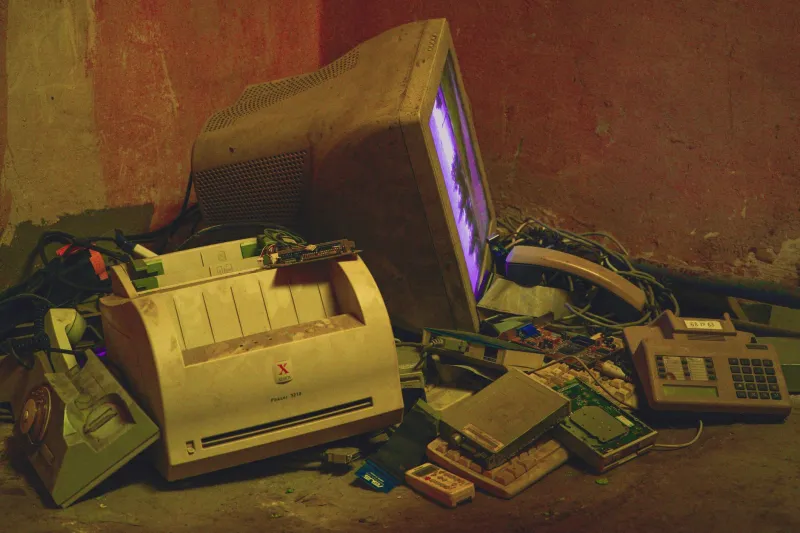
Walk through the back office of almost any small or mid-sized American business, and you are likely to encounter the same scene: a hulking printer wedged against a wall, its manufacturer badge faded, its paper tray held in place by a piece of tape. These machines — many of them purchased during the Obama administration — are still processing invoices, printing shipping labels, and jamming at the worst possible moments.
The models in question are familiar to any seasoned IT coordinator. The Canon imageRUNNER Advance C5030 and its siblings from the 2010–2014 production window. The Xerox WorkCentre 7845 and comparable multifunction units from that same era. The HP LaserJet Pro M401 and the broader M400 family, which flooded corporate purchasing orders between 2012 and 2016. These were reliable machines in their time. The question is whether they remain cost-effective in yours.
The short answer, based on repair data compiled across service centers — including our own technical teams at Printer Service Jalandhar — is that most of them do not.
Why Businesses Keep Aging Printers Running
The logic behind holding onto legacy hardware is not irrational on its face. A printer that was purchased for $1,800 and is still functioning represents sunk capital already recovered. Replacing it requires a fresh budget line, procurement approval, and the operational friction of transitioning staff to a new device.
But this reasoning contains a critical blind spot: it treats the cost of ownership as static, when in reality it compounds with age.
Consider what happens when a Canon imageRUNNER Advance from 2013 requires a drum unit replacement today. The part itself may be technically available, but sourcing it requires navigating third-party suppliers, gray-market component channels, or cross-border procurement networks. Lead times that once measured in days now stretch to two or three weeks. Prices that were once standardized have become unpredictable, fluctuating based on remaining inventory and distributor markups.
Our service records show that repair calls for devices in the 2010–2015 vintage range take, on average, 47% longer to resolve than equivalent issues on machines manufactured after 2018. That gap is almost entirely attributable to parts sourcing delays and the additional diagnostic complexity of aging firmware and worn mechanical components.
The Specific Cost Centers You May Be Ignoring
When businesses calculate the cost of maintaining an old printer, they typically account for toner and the occasional service call. What they rarely factor in are the following:
Downtime accumulation. A printer that experiences two significant failures per year, each requiring three to five business days for resolution, is effectively offline for up to ten days annually. For a device serving a team of eight to twelve employees, that represents a measurable drag on productivity — one that rarely appears in any budget report.
Technician time per incident. Extended troubleshooting on legacy hardware is not billed at a flat rate in most service agreements. When a Xerox WorkCentre 7845 requires a fuser assembly replacement and the replacement part arrives with incompatible firmware, the diagnostic labor begins again from scratch. These compounding hours translate directly into higher service invoices.
Energy consumption differentials. Printers manufactured before 2015 were designed under energy efficiency standards that have since been substantially revised. An HP LaserJet Pro M401 consumes noticeably more electricity per page than its contemporary equivalents. Across a full year of operation, the difference in energy costs for a busy office printer can range from $80 to $200 — not catastrophic in isolation, but meaningful when multiplied across a fleet.
Compatibility friction. Modern operating systems, cloud print environments, and mobile device management platforms are increasingly indifferent to legacy printer drivers. IT staff who spend time maintaining workarounds for decade-old devices are not spending that time on higher-value infrastructure work.
What the Repair Data Actually Shows
At Printer Service Jalandhar, we support US-based businesses remotely and through coordinated service partnerships, which means our technicians see a cross-section of the printer fleet problems that American offices are quietly managing. The patterns are consistent.
Devices from the 2010–2015 window now account for a disproportionate share of repeat service calls — not because they are catastrophically unreliable, but because each repair resolves one issue while leaving adjacent wear points untouched. A business that pays for a drum replacement on a 2013 Canon imageRUNNER is statistically likely to need a paper feed roller service within the following six months. The machine is not failing all at once; it is failing incrementally, extracting service fees at each stage.
When we calculate the total cost of ownership over a 24-month horizon for these legacy devices versus a current-generation equivalent — factoring in parts, labor, downtime, and energy — the legacy machine rarely wins. In the majority of cases we have analyzed, the break-even point for replacement is reached within 14 to 18 months.
Making the Case Internally for Replacement
The practical challenge for operations managers and small business owners is translating these numbers into a compelling internal argument. Finance teams respond to documented costs, not hypothetical savings.
The most effective approach is to build a simple printer cost log for your highest-maintenance legacy devices. Record every service call, every parts expense, every instance of downtime, and a conservative estimate of the hourly productivity cost associated with each outage. Review this log at the 90-day mark.
In most cases, the data will make the argument without further editorializing.
If your Canon imageRUNNER has generated $600 in service costs and 12 hours of downtime in a single quarter, the annualized figure — roughly $2,400 in direct costs before productivity losses — begins to approach or exceed the purchase price of a capable current-generation replacement.
The Replacement Calculus
None of this is to suggest that every aging printer should be immediately retired. Devices with low print volumes, minimal repair histories, and continued driver compatibility may still offer reasonable value. The analysis should be machine-specific, not categorical.
What it does suggest is that the default posture of keeping legacy hardware running indefinitely — because replacement feels expensive and disruptive — is often the costlier choice when examined rigorously.
Modern multifunction printers from current HP, Canon, and Xerox lines offer substantially improved energy efficiency, cloud integration, and parts availability. More importantly, they come with predictable service ecosystems. When something goes wrong, the resolution path is shorter, cheaper, and less likely to cascade into a secondary repair event.
At Printer Service Jalandhar, we work with US businesses at every stage of this decision — from auditing existing fleets to advising on replacement timing and supporting newly deployed devices with ongoing remote maintenance. The goal is always the same: fewer surprises, lower total costs, and a print environment that supports your operations rather than undermining them.
If your office is still running hardware from the early 2010s, the most valuable thing you can do this quarter is look honestly at what those machines are actually costing you. The number may be larger than you expect.